During my Master’s in Computer Science at UW-Madison, I spent most of my time in the People and Robots Lab working on human-robot interaction research under Dr. Bilge Mutlu. The lab had a UR3e cobot that we used for our HRI experiments (task interdependence studies, operator attention management, that sort of thing). But between formal research projects, the UR3e also became a platform for me to dig into the lower-level motion control stack.
The task I gave myself was straightforward enough: prove out the new Universal Robots ROS driver’s servo capabilities and build a reference implementation for a couple of advanced IK solvers developed by colleagues at UW. What I ended up with was a real-time motion control playground where you could drag an interactive marker around in RViz and watch the physical robot follow along. Pretty cool when it worked. Pretty stressful when it didn’t.
The Setup
The UR3e is a nice little cobot. Small, relatively safe to be around, and (importantly for a grad student) not so expensive that breaking it would end your academic career. Bolted to the end of it was a Robotiq 85 gripper, giving us a complete pick-and-place capable arm.
This wasn’t a formal research project. It was more of a lab infrastructure contribution, building a working reference that anyone in the lab could point at when trying to get these solvers running on real hardware. The goal was to integrate two IK solvers developed by colleagues at UW into a working demo:
RelaxedIK, an inverse kinematics solver out of the UW Graphics group that handles self-collision avoidance using a learned neural network model and deals with kinematic singularities gracefully. It comes in Rust, Julia, and Python flavors.
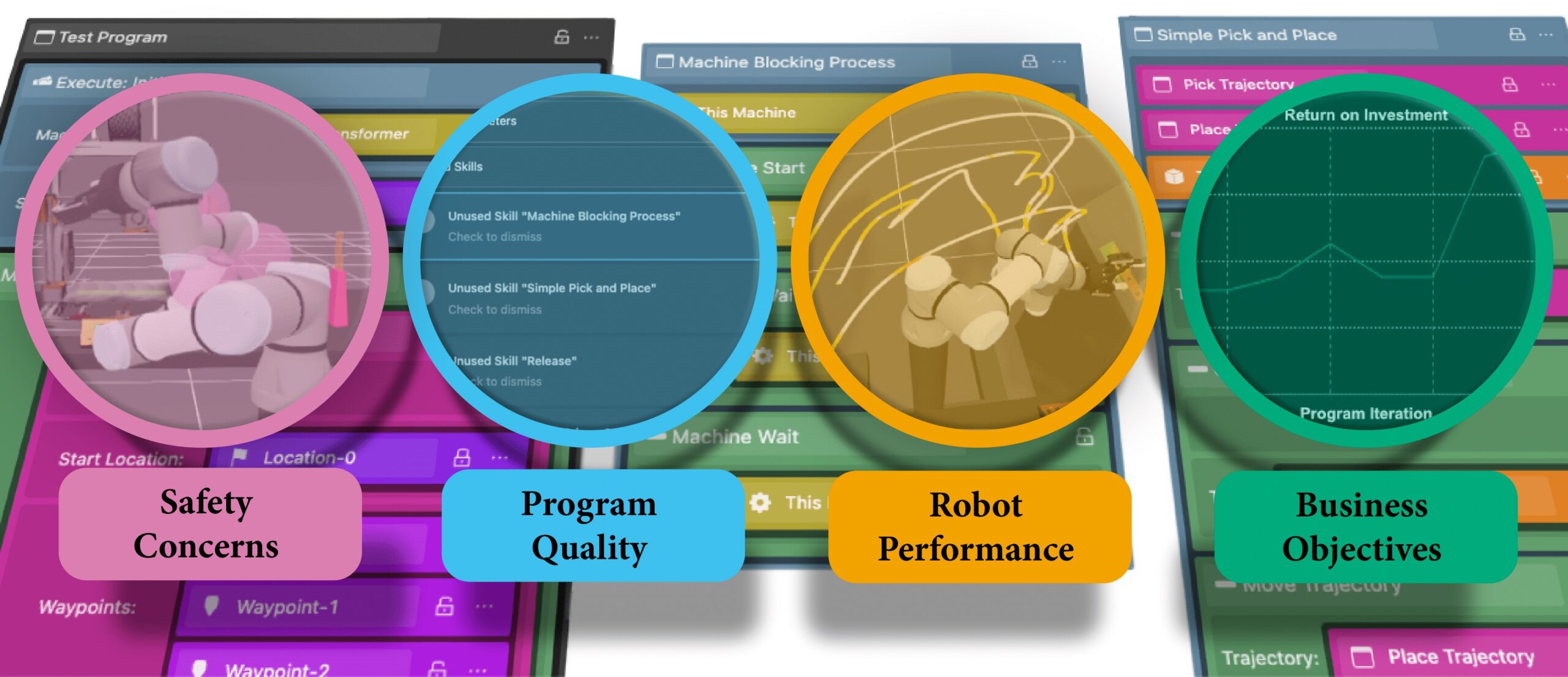
LivelyIK (also called Lively-TK), a fork of RelaxedIK from the Wisc-HCI group that extends the concept to support multiple kinematic chains simultaneously. The big selling point here is that you can control the arm and the gripper as a unified system rather than treating them as separate things. This one was particularly relevant to our lab since it was being integrated into other projects like CoFrame, a cobot operator training tool we were developing.
Both of these solve the same fundamental problem: given a desired end-effector pose (where you want the tool to be in 3D space), figure out what joint angles get you there. But they do it in real-time while actively avoiding bad configurations. No more praying your robot doesn’t pretzel itself into a singularity.
Architecture
The system follows a pretty clean pipeline:
- A user drags an interactive marker around in RViz (6-DOF control; translate and rotate)
- The marker controller publishes pose goals to the IK solver at 10 Hz
- The IK solver (running in Julia for that sweet JIT-compiled performance) continuously solves for joint angles
- A hardware interface node takes those joint solutions and sends them to the UR driver as trajectory commands
- The robot moves
For the gripper, things split depending on which solver you’re using. With RelaxedIK, the gripper is controlled entirely separately through a small Tkinter GUI (open, close, or slide to a position). With LivelyIK, the gripper gets folded into the solver as a second kinematic chain, so the arm and gripper are theoretically coordinated through the same optimization.
I say theoretically because that’s where things got interesting.
The Julia Problem
Both solvers use Julia as the runtime for their ROS nodes. Julia is great for scientific computing. Julia’s JIT compiler, however, does not care about your demo schedule.
Every time you launch the solver, Julia needs to compile. This takes anywhere from 20 to 40 seconds of staring at a terminal wondering if something crashed. The solution was to add a dedicated `julia.launch` file that you’re supposed to run well before everything else, just to get the JIT compilation out of the way. Step zero of the launch sequence. A pre-warm for your pre-warm, if you will.
It works. It’s not elegant. But it works.
RelaxedIK: The Straightforward One
The RelaxedIK integration was the simpler of the two. Six arm joints go in, six joint angle solutions come out, and the gripper does its own thing on a separate topic. The hardware interface node is basically a pass-through: listen for joint solutions, package them into a `JointTrajectory` message, and send them to the UR driver’s scaled position trajectory controller.
The interactive marker controller handles the initialization dance: waiting for the IK solver to settle, grabbing the robot’s current end-effector pose from TF, and placing the marker at the right starting position so you don’t immediately command the robot to lunge somewhere unexpected. That settling time matters more than you’d think. Command a UR3e to jump to a wildly different pose at startup and you’ll learn that lesson exactly once.
LivelyIK: The Ambitious One
LivelyIK was the more exciting integration. Instead of treating the gripper as an afterthought, it gets its own kinematic chain in the solver. The URDF includes the full arm-plus-gripper model, seven joints total, and the solver optimizes over all of them simultaneously.
The hardware interface for LivelyIK is more involved. It receives a seven-element joint solution and has to split it: six joints go to the arm trajectory controller, and the gripper joint gets routed to the gripper driver at a much lower update rate. The arm runs as fast as the solver can push updates, but the gripper only gets commands at about 1 Hz.
Why the rate limiting? The Robotiq gripper is controlled over a remote serial connection through the UR controller, not a direct link. That extra hop adds latency. Hammer it with commands too fast and things get unhappy. So the gripper update rate is deliberately throttled, which means the “unified control” story has an asterisk next to it.
The demo worked. The gripper pass-through functioned. But the gripper behavior was, to put it charitably, poor. The latency in the serial connection combined with the solver trying to optimize arm and gripper together meant the gripper movements were sluggish and occasionally wrong. It was one of those situations where the architecture was sound but the physical constraints of the hardware communication path undermined the elegance.
Lessons Learned
A few things I took away from this project:
Speed scaling matters. I developed everything at 10% speed on the UR teach pendant. This is the responsible thing to do when you’re iterating on control code. But it also means that the timing parameters baked into the system (the joint step delays, the trajectory durations) are tuned for slow motion. Crank it to 100% and you might have a bad time. I left a warning in the README about this. Future me, you’re welcome.
Calibration is not optional. The UR driver supports loading a robot-specific kinematic calibration derived from the robot’s internal configuration. I extracted this early and stored it in the package. Without it, the TF tree doesn’t match the physical robot, and your interactive marker starts lying to you about where the end-effector actually is.
The Robotiq gripper ecosystem is fragmented. The UR Polyscope can’t have both the Robotiq URCap and the remote serial URCap installed at the same time. I had to uninstall the Robotiq URCap entirely and control the gripper through a ROS driver over the remote serial interface. The specific driver that works for this setup lives in the Wisc-HCI fork of the Robotiq driver. I ended up contributing modifications back to that driver (increasing timeouts, reducing polling frequency, and adding support for the serial tunnel on the UR3e) to account for the communication latency. That driver work ended up being useful beyond just this project since other folks in the lab hit the same issues.
Conclusion
The RelaxedIK demo works reliably. You can drag the marker, the robot follows, and it avoids self-collisions and singularities in real-time. It’s a solid reference implementation for anyone wanting to use RelaxedIK with a UR robot.
The LivelyIK demo works but with caveats. The unified arm-plus-gripper control is a neat concept that’s held back by the hardware communication path. If the gripper had a faster, more direct interface, the story would be different.
As a test package for the new UR ROS driver’s trajectory controller servo behavior, it accomplished what it set out to do. The driver works, the servo interface is responsive, and the pipeline from pose goal to physical motion is solid. It served its purpose as a lab reference, something concrete that people could look at when trying to get the UR3e doing something more interesting than the default MoveIt demo.
For me personally, this project was where I really got comfortable with the UR platform and Polyscope, knowledge that fed directly into the HRI experiments I ran on the same hardware. Sometimes the best way to understand a robot is to just build something with it that isn’t on a deadline.
Checkout the GitHub Repository.
Thanks for reading. Stay tuned and keep building.