MoveIt on a Kinova Mico
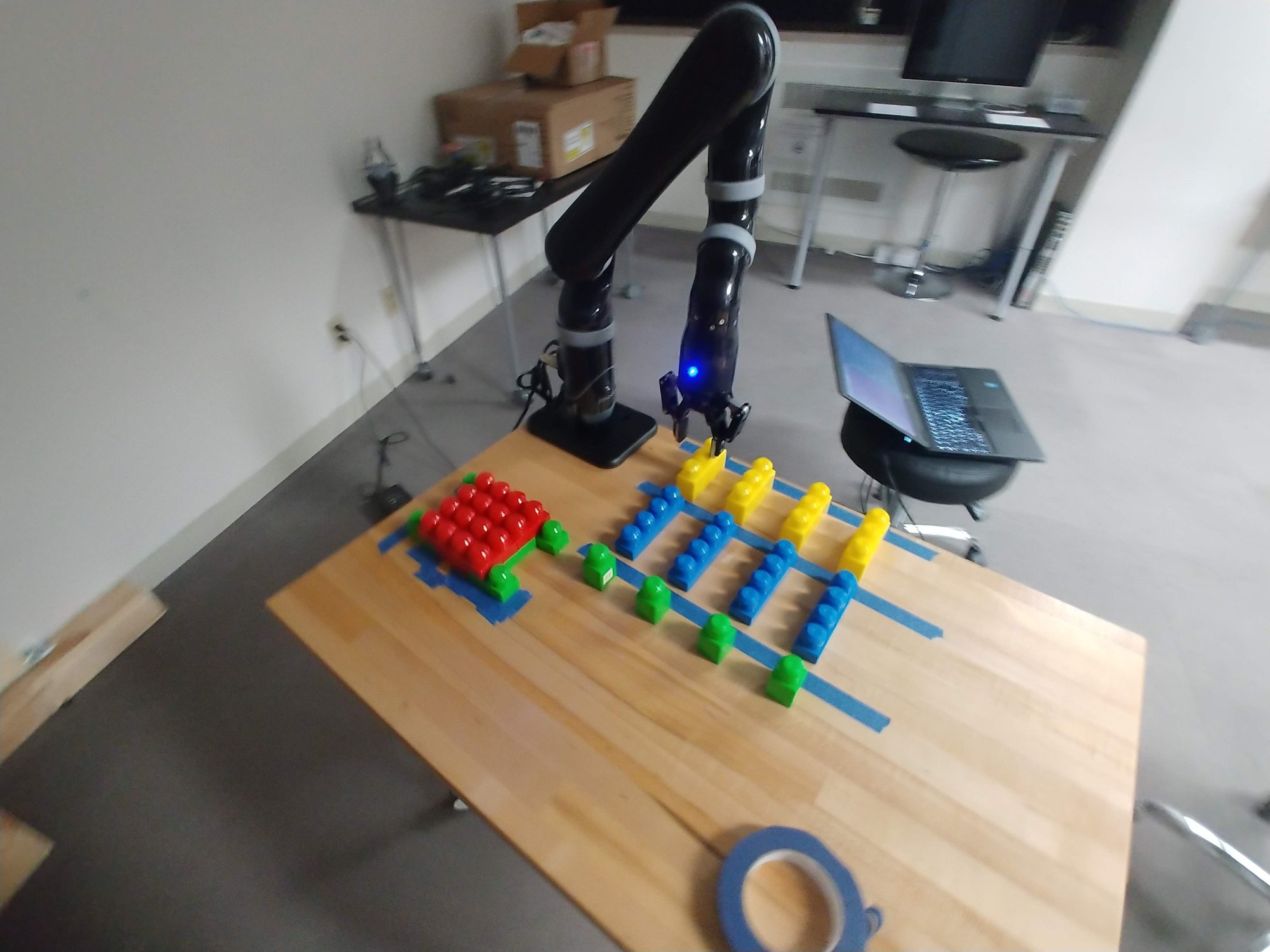
The Kinova Mico is where I learned MoveIt and basic ROS. It was slow. It was janky. But I learned how to control an arm, which was pretty cool.
The nice thing about the Kinova from an HCI perspective is its joints and linkages. They read more agently than the UR3e or the UR5, which very much read as machine robot arm first and agent second.1
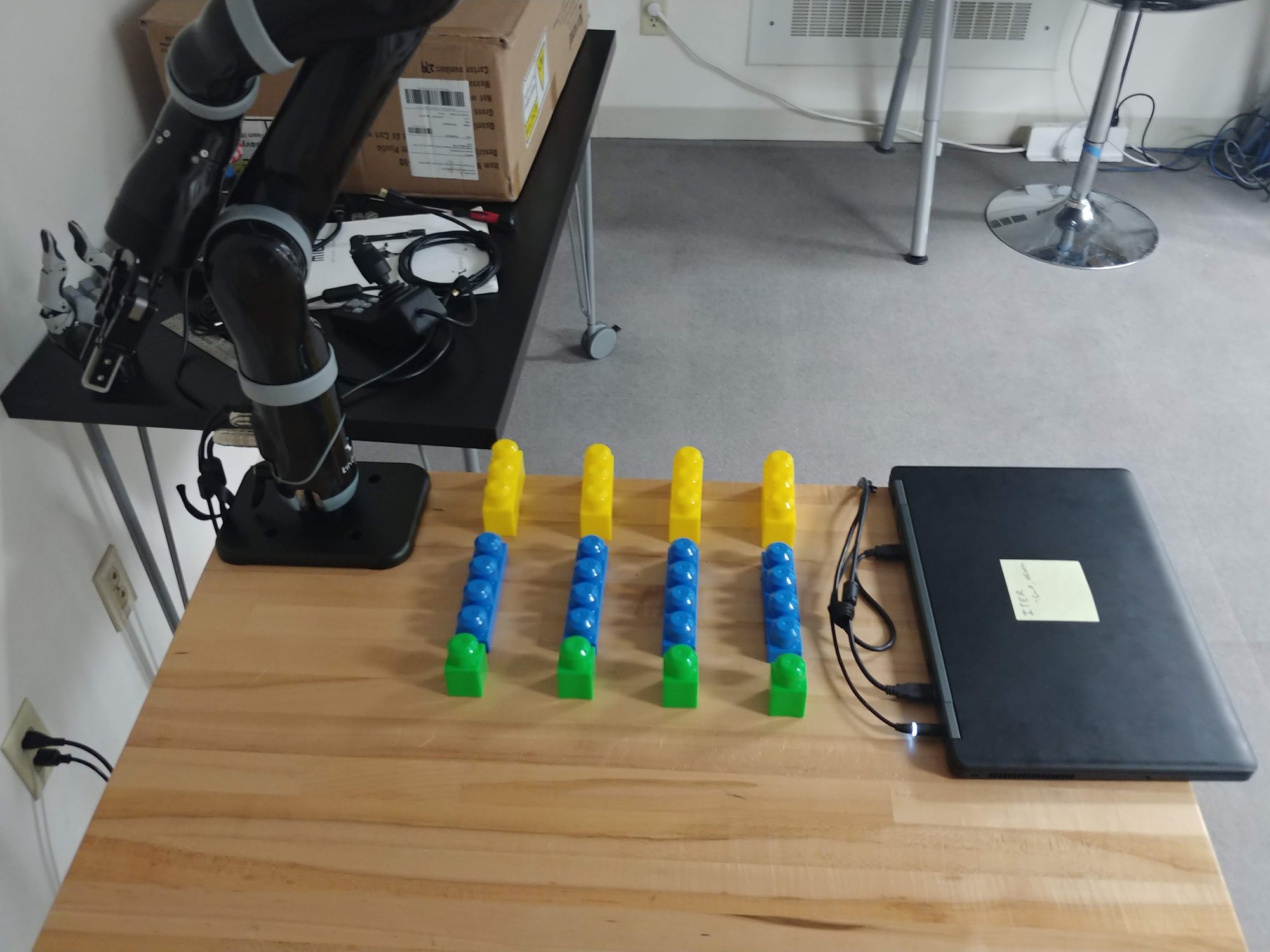
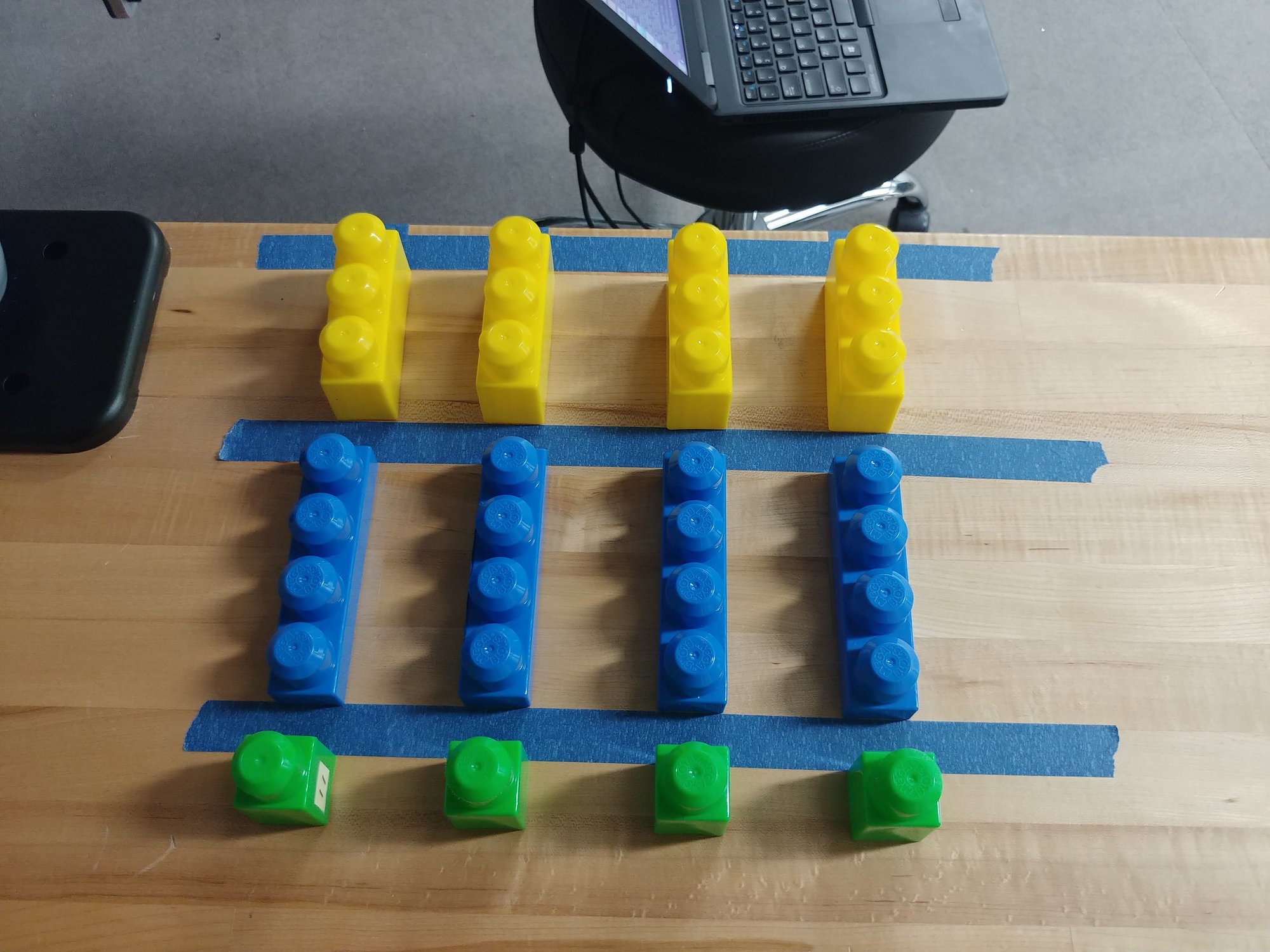
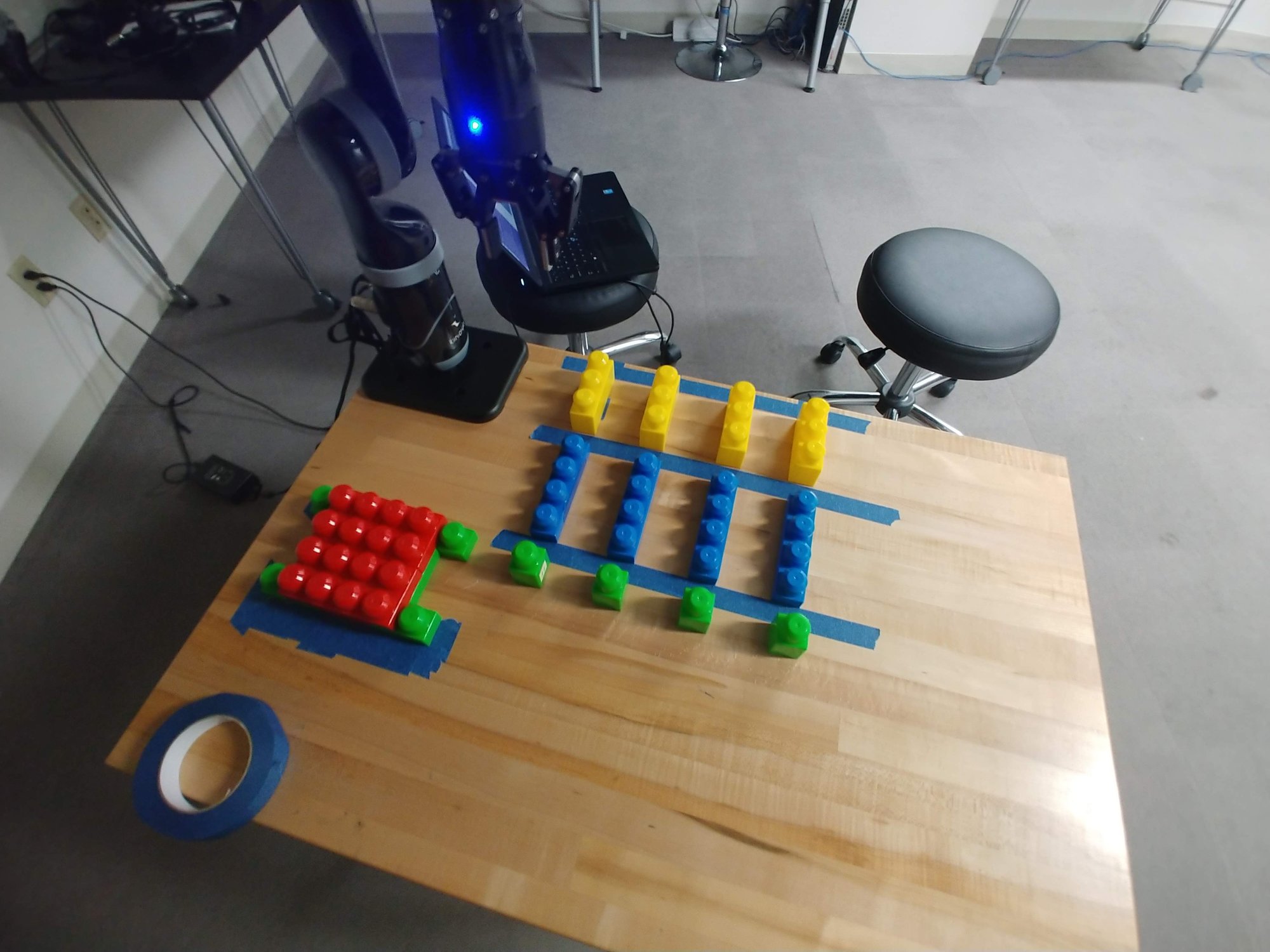
The task I had was Lego Duplo block building. (Or Mega Bloks. I forget which.) Let me tell you, that is trickier than it sounds. You cannot just place one block on top of another. You need some force feedback and a bit of jostling to find where the block sits. Robotics calls this the peg-in-hole problem, and the jostling is a compliant, force-guided search. Spiral search and wiggling are the usual names for it. I could never quite get it right on the Mico. The Robotiq gripper senses grip pressure, but the touch would have had to come from joint strain, and I do not recall ever closing that loop. So it was limited hardware, or my ability at the time to use the hardware I had.
What it did do was steer me toward magnetic blocks for the experiment. They are very forgiving for both the human and the robot to assemble.
MoveIt inside ITER
There is no code unique to this arm. The Mico was one row in the ITER launch table, and MoveIt was the first planner ITER had. Check out the UR5 post for a description of what ITER is. The docstring on the MoveIt primitives says why.
MoveIt provides a robust and comprehensive interface to control a robotic arm
and thus is a natural choice to develop the first iteration of ITER's primitive
library.
The primitive set is limited. A move sets a pose target on the arm’s move group and calls go, then waits. A grasp or release sets a joint target on the gripper’s move group and does the same. The gripper code is the only place the Mico shows up by name. ITER knows three Mico configurations, the two-finger hand, the three-finger hand, and a Robotiq 85 bolted on instead, and the grasp primitive sets one finger joint per finger for whichever one is launched. Ours came with the two-finger hand, if I recall, and we upgraded it to fit a Robotiq gripper. A simulated flag on the launch file picks between Kinova’s virtual robot demo and the real driver with the same MoveIt config on top. There is also a small planning scene interface that drops boxes into MoveIt’s collision world from a message, so the runner could tell the planner where the table was.
The launch files for ITER list a RelaxedIK option for the Mico too. But I mostly abandoned the Mico once I got my hands on the UR5 and UR3e. The repeatability problem with MoveIt’s sampling planners, and the move to RelaxedIK, is the UR5 post’s story.
Footnotes
-
The UR arms can be pushed toward agent too. This paper gave a UR5 gaze and breathing cues out of the arm’s own posture, with a pair of glasses sitting on the gripper for a nose. The joke in the lab was that it looked like a duck. We called it the UR Duck. Y. Terzioğlu, B. Mutlu, and E. Şahin, “Designing Social Cues for Collaborative Robots: The Role of Gaze and Breathing in Human-Robot Collaboration,” Proceedings of the 2020 ACM/IEEE International Conference on Human-Robot Interaction (HRI ‘20), Mar. 2020. doi:10.1145/3319502.3374829 ↩