AR UX on the UR3e ~ A Mixed Reality Exploration
After the interaction paradigms studies had run (the paper was on simmer) and Authr was built (that paper was simmering too), one question was still hanging. Put a physical robot arm in front of an operator. How do they learn to use it?
The lab’s answer became CoFrame, a web interface. The first version of it was the Expert View Dashboard, which I prototyped before graduating and handed off to my colleagues and good friends in the lab. Check out the CoFrame paper notes for the final version.
But before the Expert View Dashboard took shape I was asking what such an interface would look like in AR (or XR, or MR, depending on whose marketing you read). Before any of that, I needed a task for the study.
Picking a task
The question was what sort of task has enough substance and scale that a novice operator (realistically an undergrad, for the purposes of the study) could get a robot programmed for it within the time of a study, 30 to 40 minutes or so.
I settled on machine tending, something 3D printer-esque. The operator has to think about how to get the part out of the machine without colliding with it, then palletize the finished parts off to the side.
The parts were the same wooden magnetic blocks as the ITER studies. They are forgiving for the human and for the robot.
The prototype of the task itself was written in Polyscope, the UR’s own pendant software. My thinking was that we wanted authentic authoring. If the study is about how novices program a cobot, the program should be written the way a cobot gets programmed on a factory floor. I never ran users on that setup, which in hindsight could have been interesting on its own. I would have liked to see where they struggled with Polyscope.
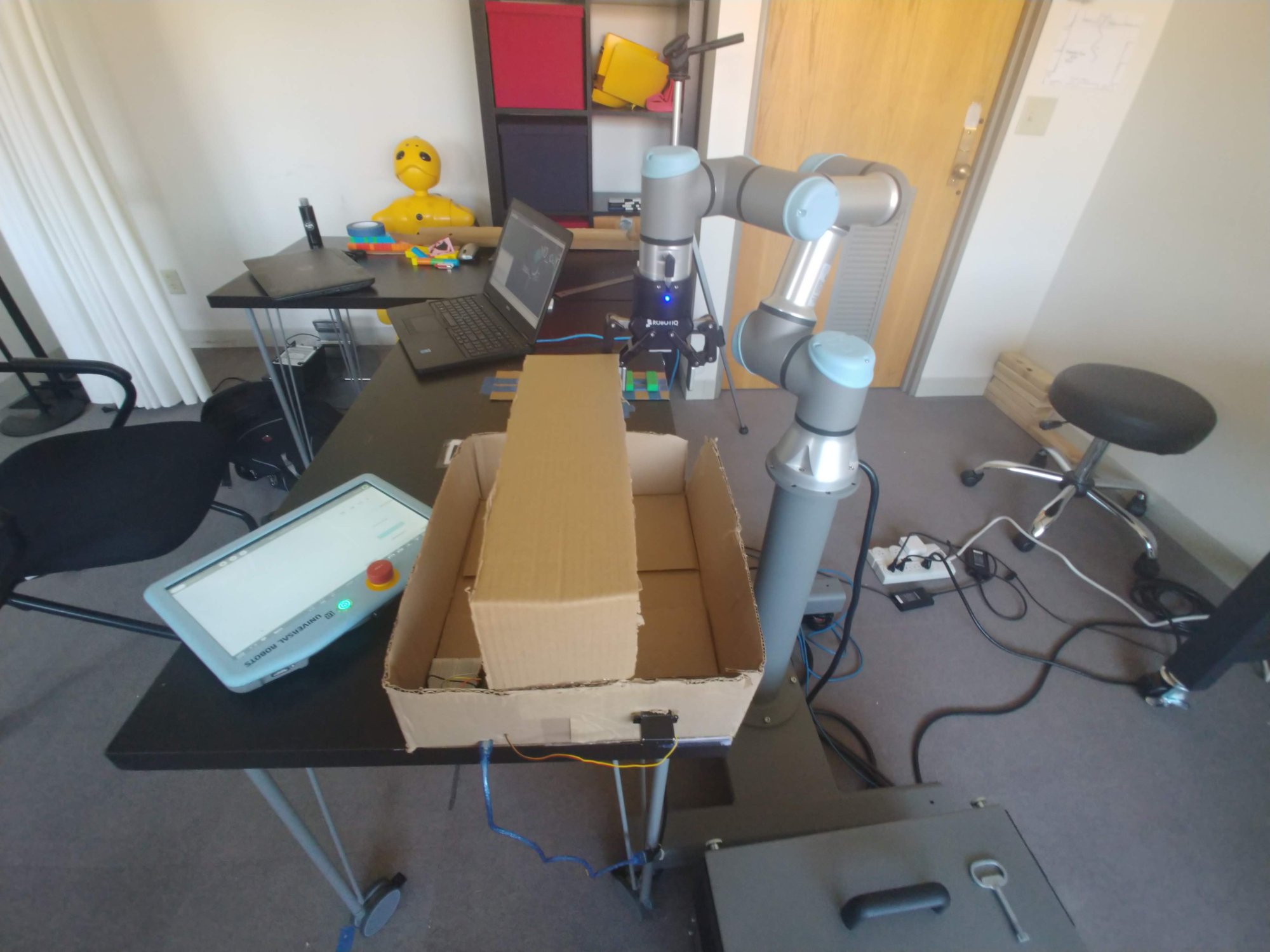
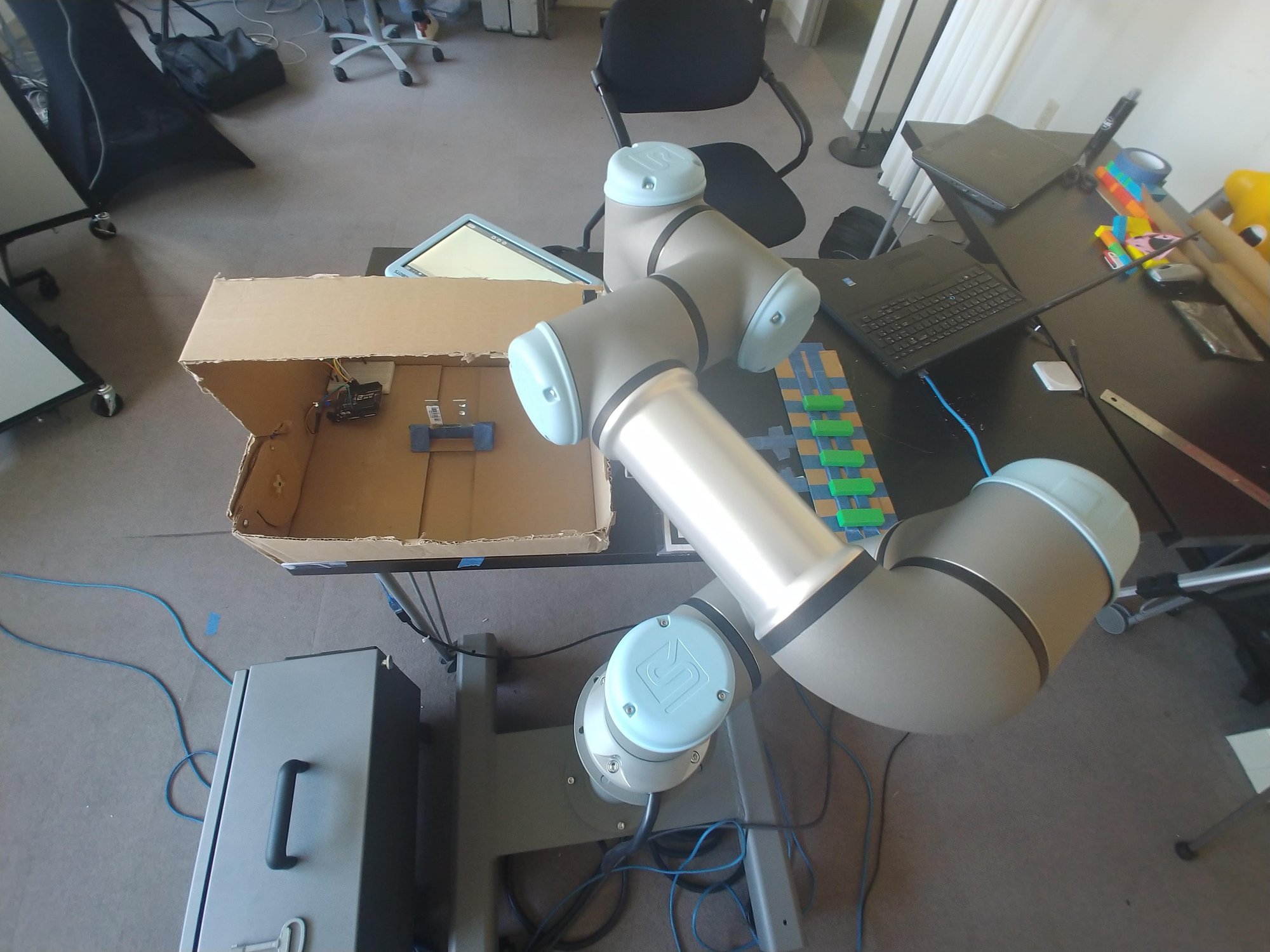
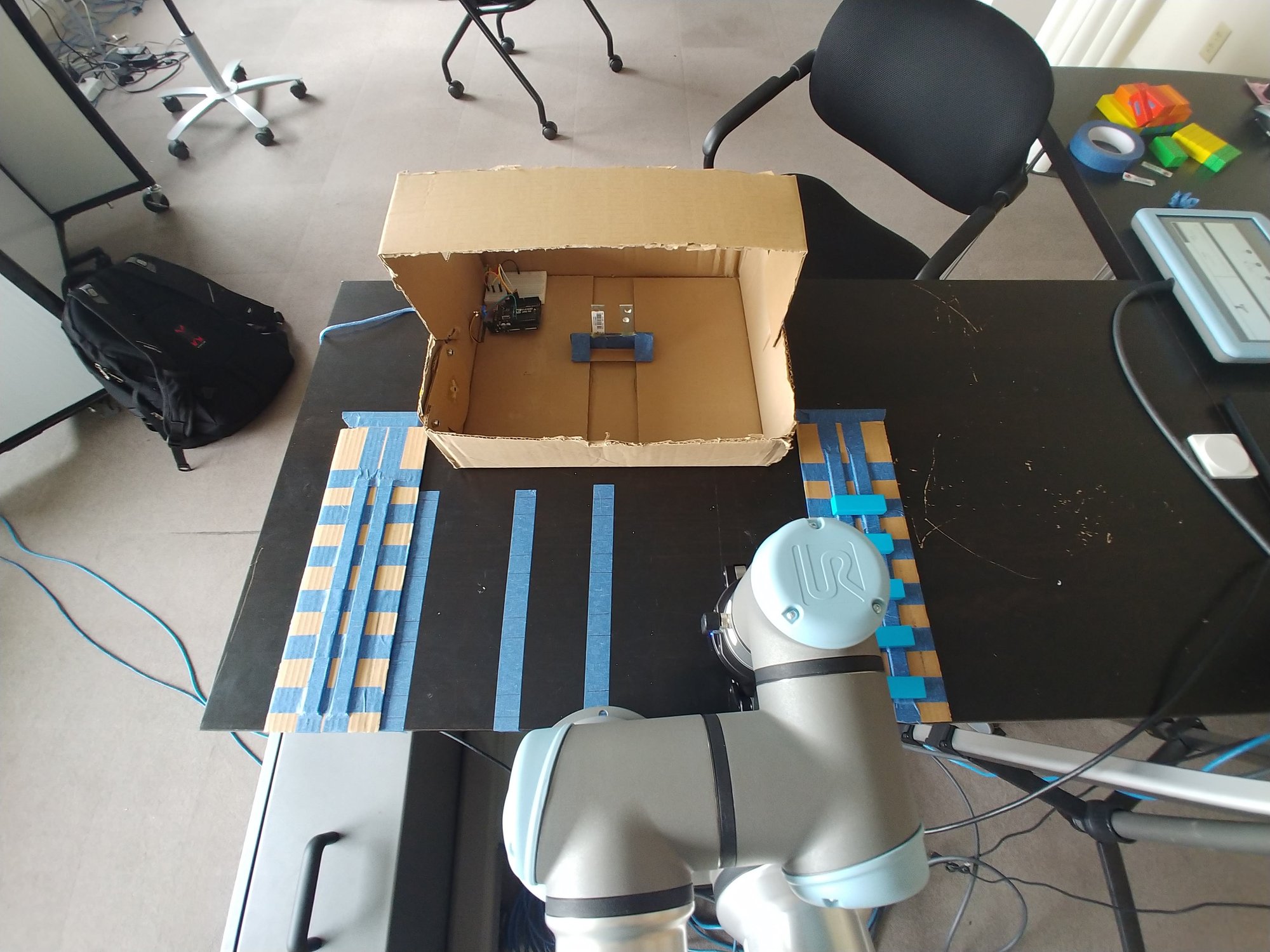
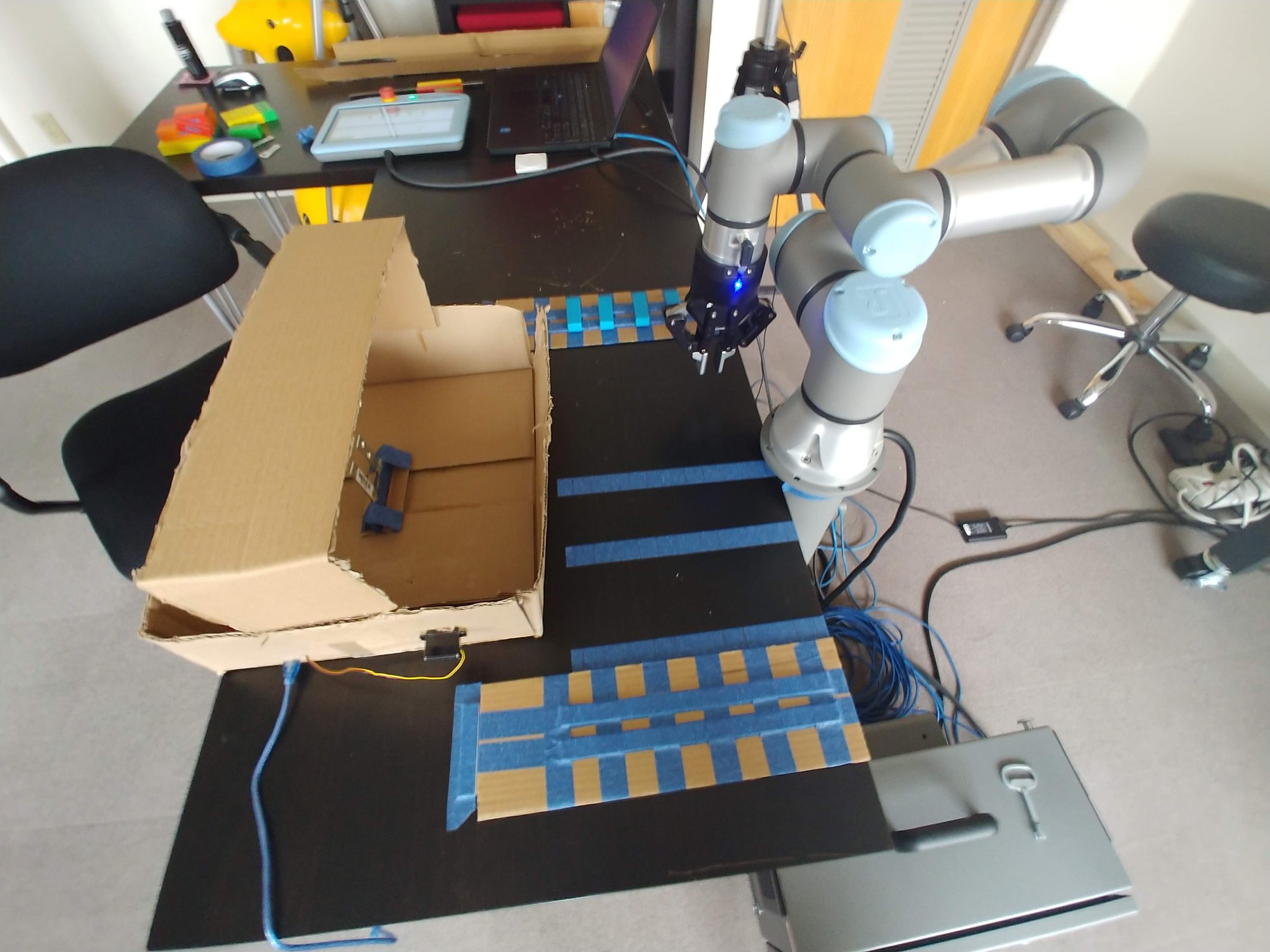
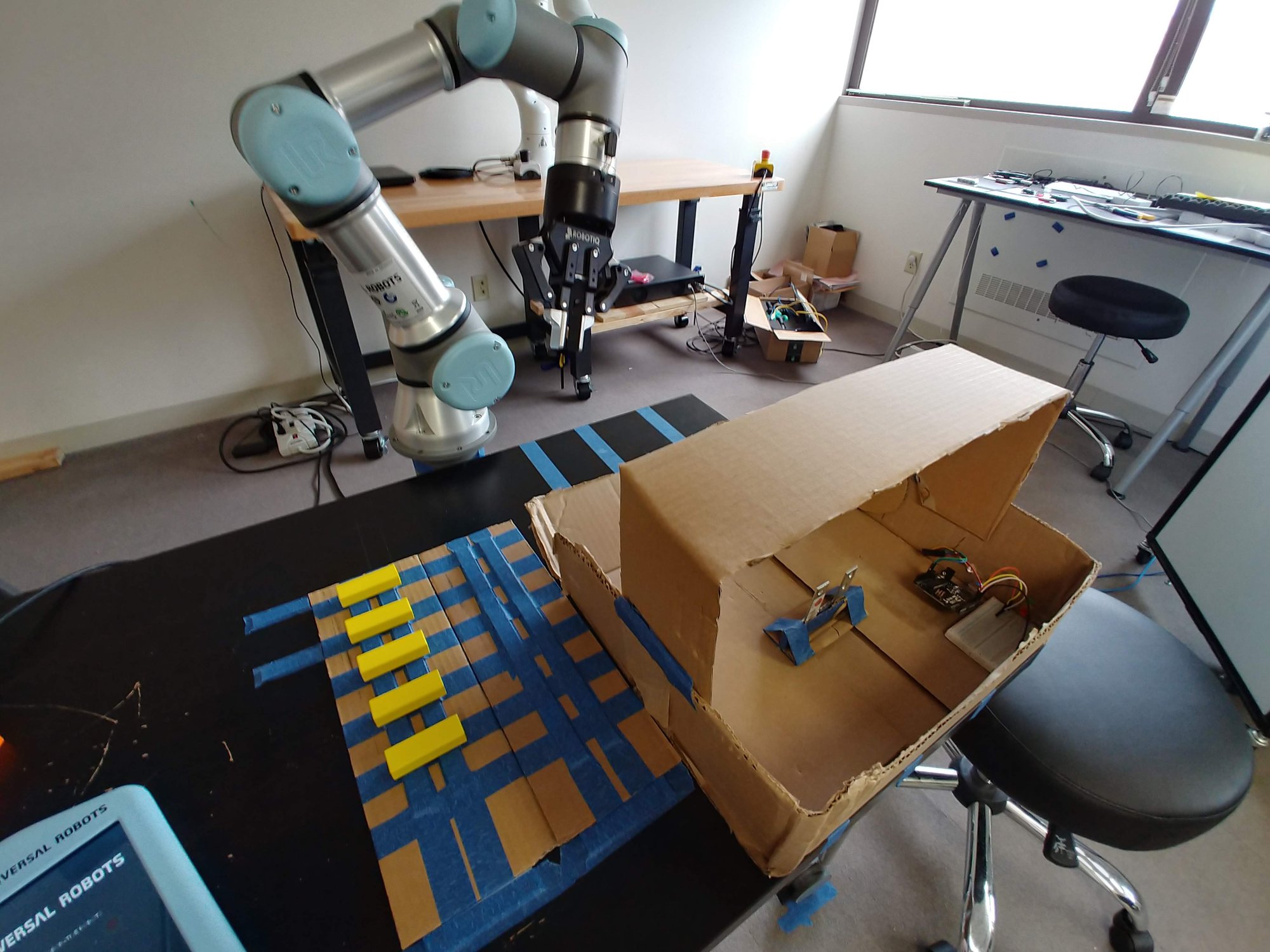
The “machine” was a cardboard box (the brown thing in the pictures). It had a little door actuated by a servo, which was driven by an Arduino running the Arduino ROS node. That worked pretty well for what it was. The taped grid on the table was the pallet.
The AR question
With a task in hand I could get to the question I actually wanted to ask. If the operator’s interface lived in the workcell instead of on a screen, what would it show?
The content came from the lab’s ethnography of cobots in industry1 and the epistemic network analysis of those interviews,2 which had surfaced the concepts that mattered to practitioners, and the interface needed to make those concepts visible in the space. I wanted information tied to the gripper and end effector. I wanted information tied to the task and the workcell, the program timeline in particular. And I wanted 3D renderings sitting in the real workspace. Joint trajectories, the reach sphere, pinch points, collision zones.
The hardware was a Microsoft HoloLens 2, on loan from the graphics lab. The hardware itself is pretty impressive. It tracks your hands, but we ended up using the far interaction features, where you point a ray from your hand and pinch to select, rather than reaching out to touch holograms. It does eye tracking, and that was useful for the far gesture control. It does spatial mapping too, and I played with it, but registering a virtual robot to a real one is easier with AR tags.
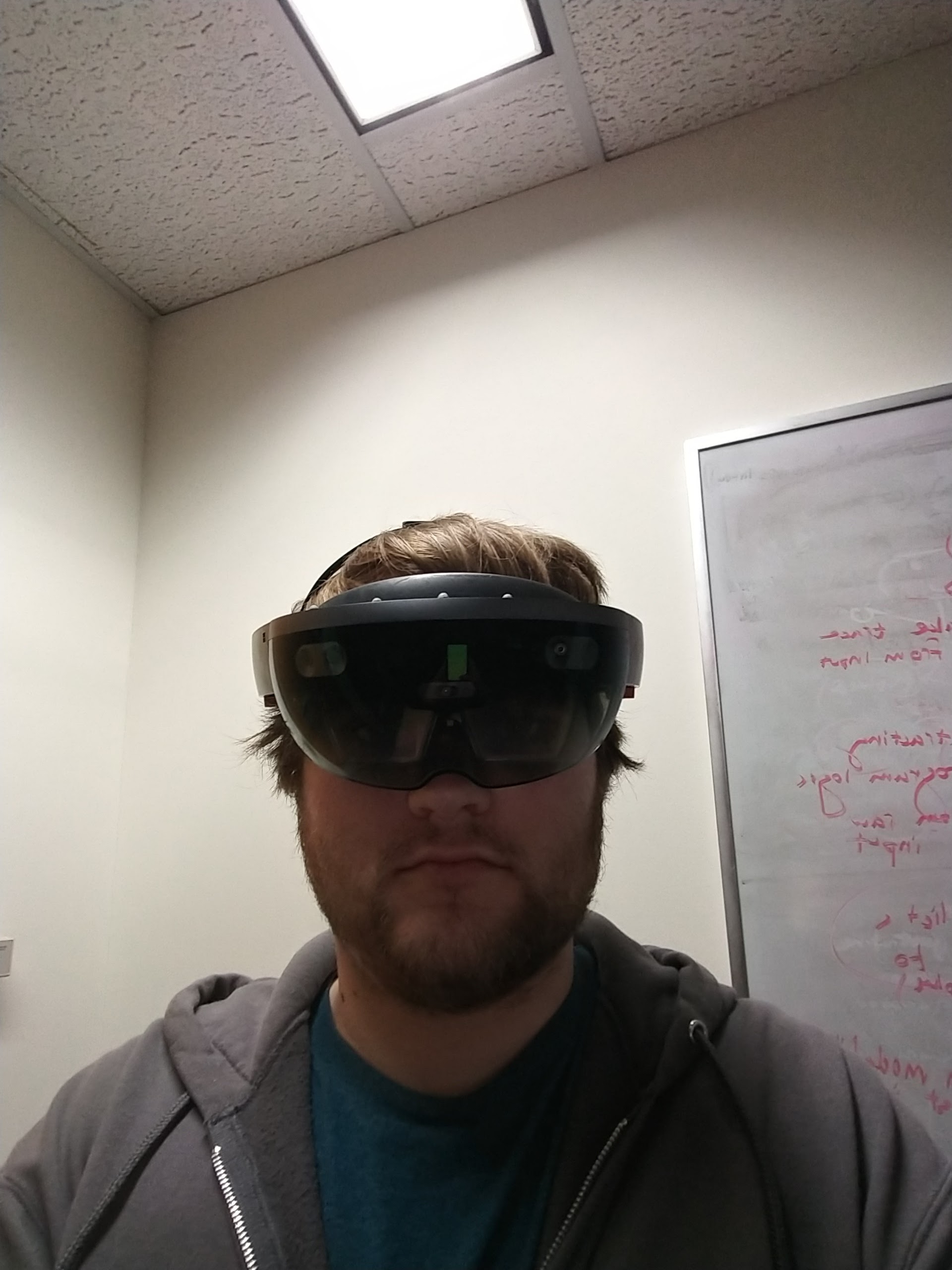
A fun note about the HoloLens. My office had a window that looked out toward a giant blank brick wall across the street. I pinned a giant mixed reality YouTube window on that building and could listen and watch while still working on robots at my laptop. Real work also got done in that XR space.
Development was in the Unity game engine. My game development experiences as a child could be a whole separate blog in and of themselves, so I will spare you. Unity was the path of least resistance for the HoloLens at the time.
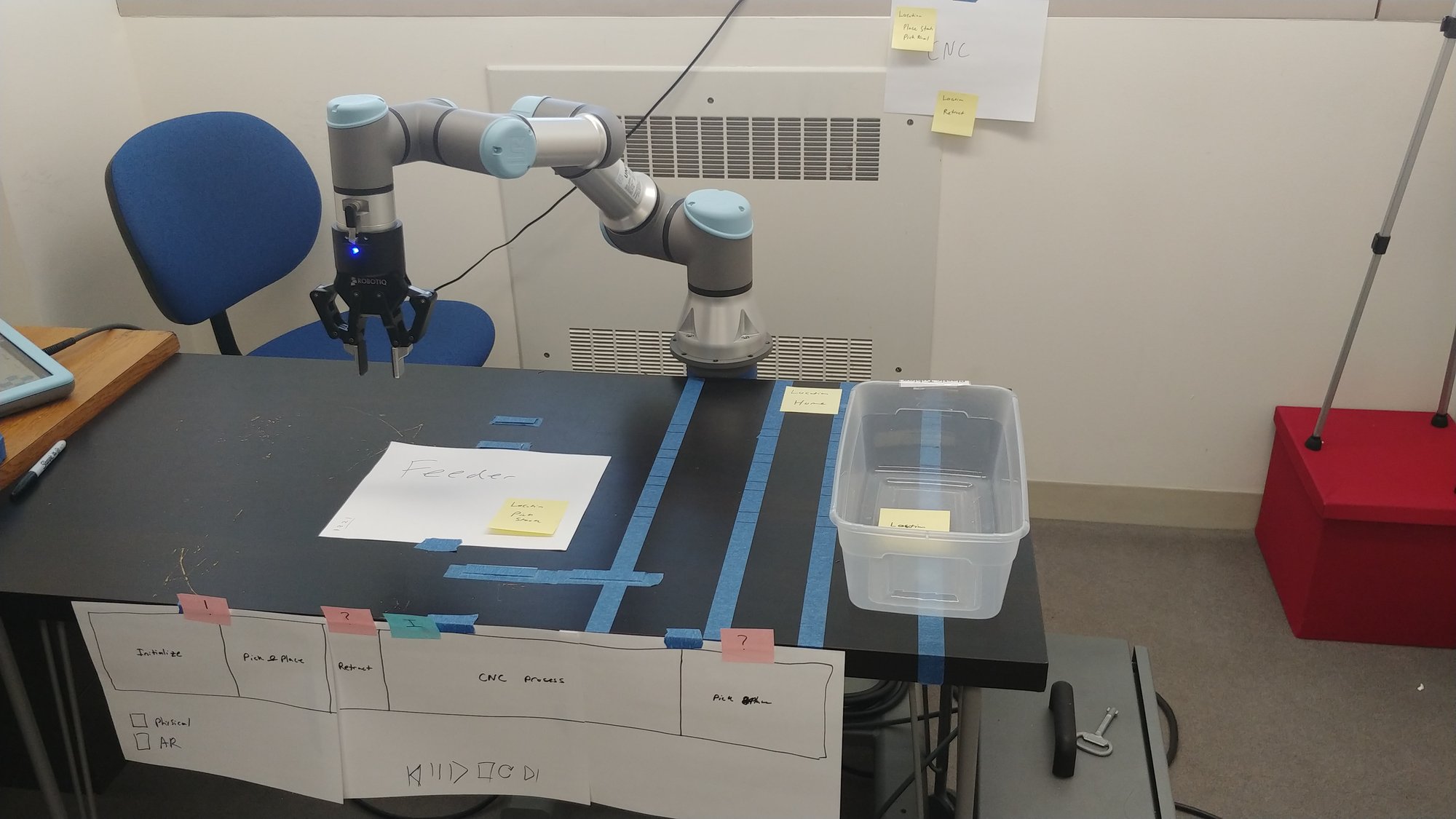
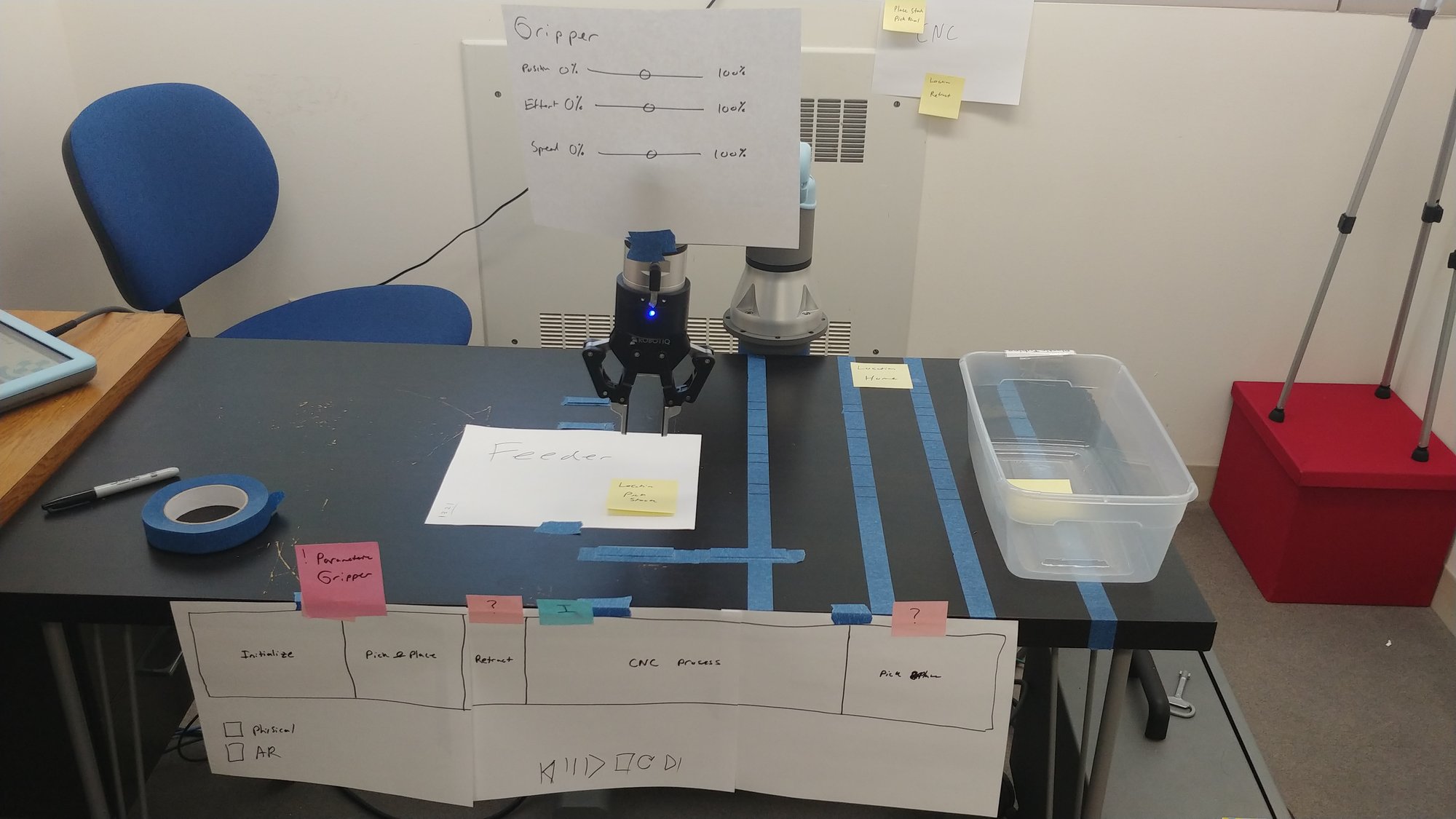
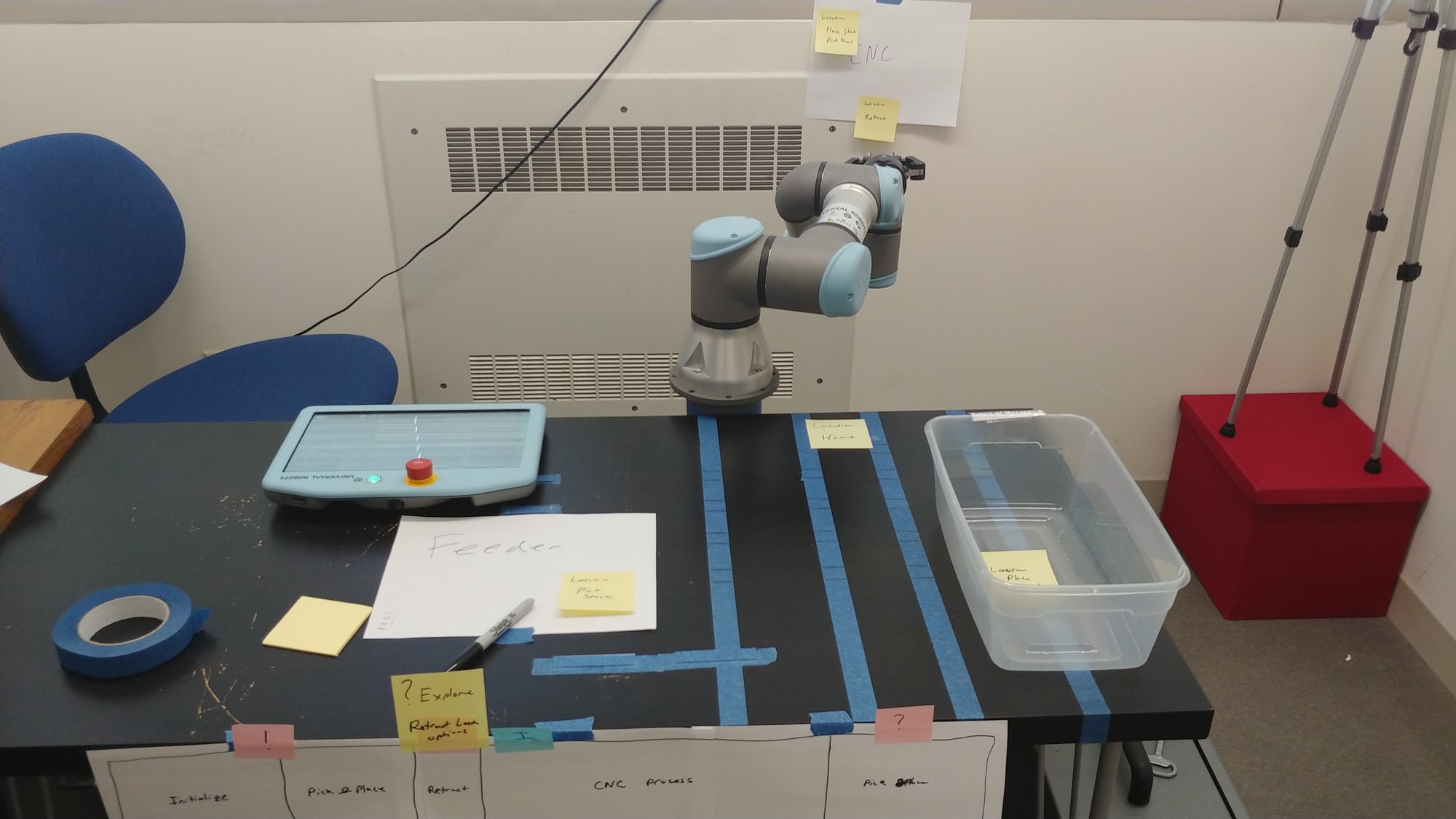
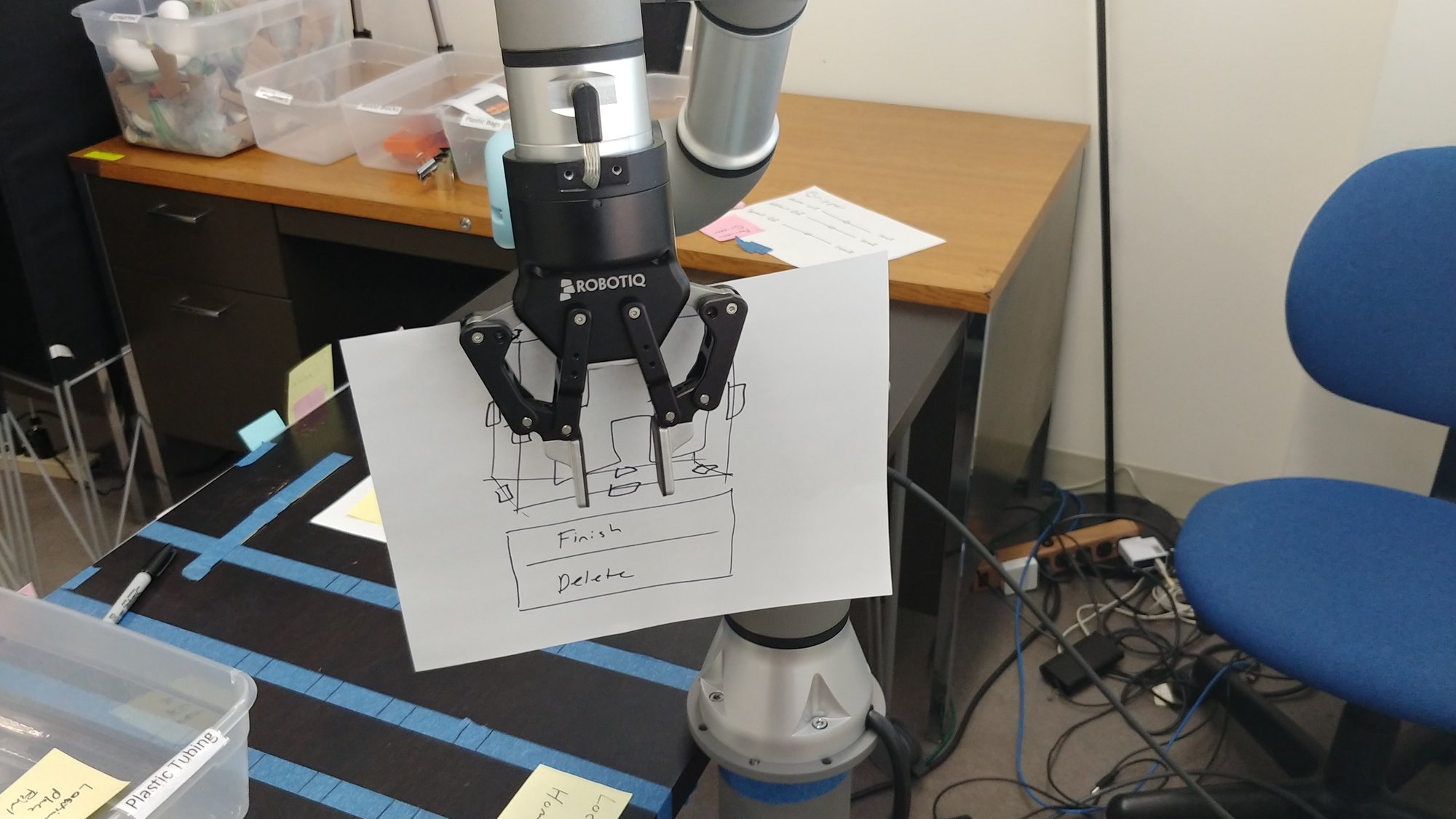
I sketched all of this out first as a lo-fi prototype with paper, marker, and tape. The white sheets in the photos are the prototype interface, laid out where the holograms would go. The sticky notes are physically situated annotations, a note stuck on the thing it is about. The main benefit of this low budget prototype is that I did not write a single line of code to get the feel I wanted. All of it made its way into CoFrame eventually, so the paper has the gist of what was sketched out here.
What got built
The early prototype is lost to the sands of time (and COVID), so this is from memory.
There was a virtual UR3e that registered to the base of the real one. Registration used AR tags, the same approach as the block registration problem. Once the virtual arm was sitting on top of the real arm, it could play ahead. Run the joint trajectory on the hologram and the user could see what was about to happen before the real robot moved.
There was a version where you could pop open the reach sphere and see the joint paths inside it. It was really cool. There were also a lot of technical issues. The ROS bridge was finicky. The build and deploy process to the hardware was a slow dev loop. Build, push it to the headset, boot into the app, test, then go back to the code. And the SDK and examples were, generously, mostly functional.
Why it stopped
It was good for reviewing a timeline. Writing a program in the HoloLens was another story, even with a visual programming language. Fine manipulation was hard. I tried a Blockly window as a floating panel and that was clunky too.
Then COVID hit. That was the final nail in the coffin. You cannot easily run a user study where you want people to put on a shared headset and work in a shared space at the start of a pandemic. Without early user studies to shape the prototype there was no way to make it better, so we shelved it and moved over to a web interface. That web interface became the Expert View Dashboard, and then CoFrame.
Prototyping takes on a life of its own. The things you shape and the forms you build evolve into something else. The AR experience did not come to pass, but it birthed CoFrame.
Footnotes
-
A. Sauppé and B. Mutlu, “The Social Impact of a Robot Co-Worker in Industrial Settings,” Proceedings of the 33rd Annual ACM Conference on Human Factors in Computing Systems (CHI ‘15), pp. 3613-3622, 2015. doi:10.1145/2702123.2702181 ↩
-
J. E. Michaelis, A. Siebert-Evenstone, D. W. Shaffer, and B. Mutlu, “Collaborative or Simply Uncaged? Understanding Human-Cobot Interactions in Automation,” Proceedings of the 2020 CHI Conference on Human Factors in Computing Systems (CHI ‘20), pp. 1-12, 2020. doi:10.1145/3313831.3376547 ↩